
Tuesday, May 2, 2017
Contour/Collage Portrait

Thursday, April 27, 2017


Photoshop Makeover


Friday, April 21, 2017

Thursday, April 20, 2017


Monday, March 20, 2017
30 Day Photo Challenge Part 2
Day 1: Favorite Food

Day 2: Smile

Day 3: Happiness

Day 4: Leaves

Day 5: Morning Sky

Day 6: Books

Day 7: Something Funny

Day 8: Favorite Color

Day 9: Inspiring Person

Day 10: Nature

Day 11: Something Old

Day 12: Hair

Day 13: Written Words

Day 14: Movement

Day 15: Leading Lines

Day 16: Symmetry and Patterns
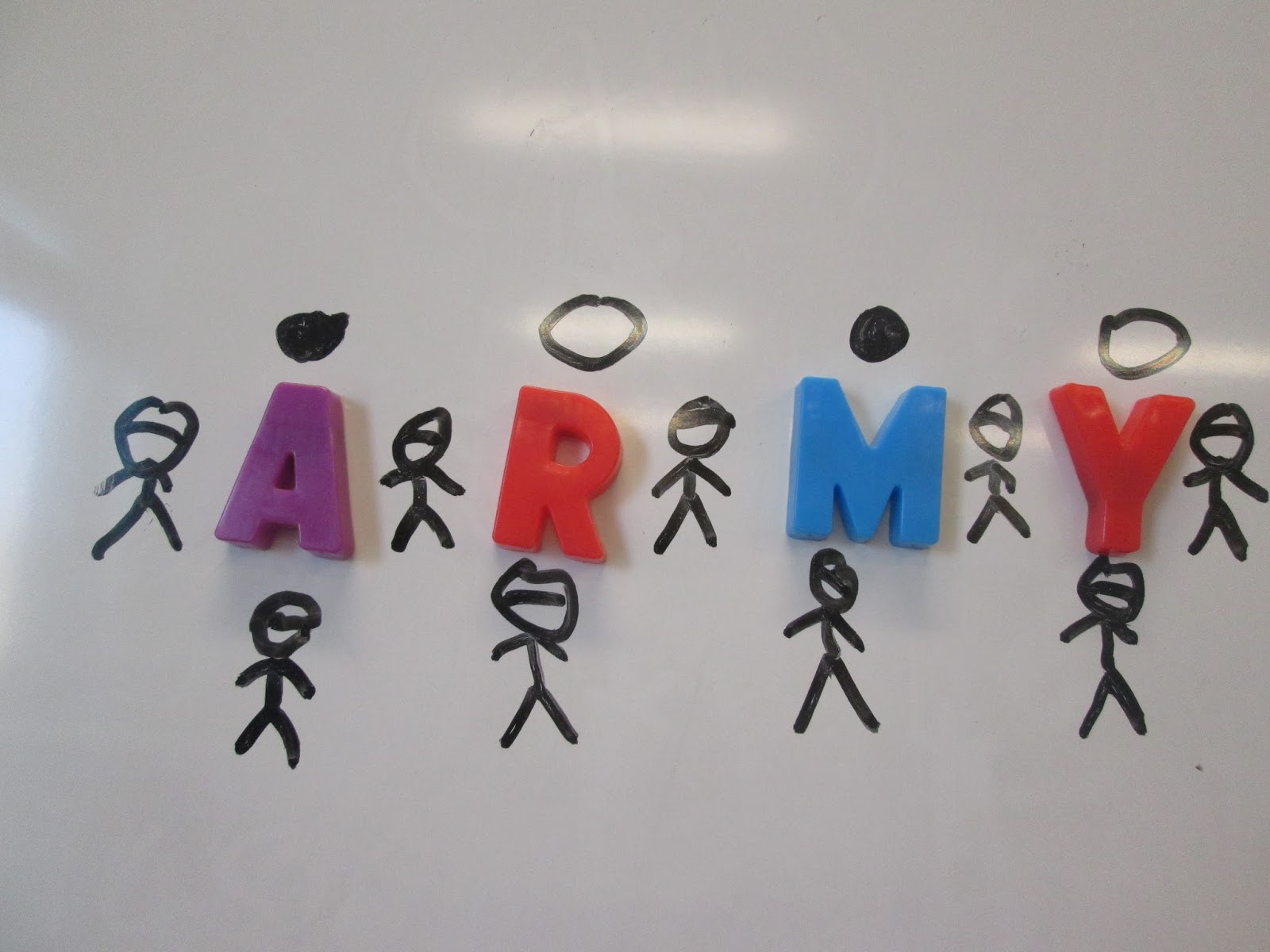
Day 17: Framing

Day 18: Depth of Field

Day 19: Rule of Thirds

Day 20: Best Friend

Day 21: Where You Sleep

Day 22: In Your Closet

Day 23: Gratitude

Day 24: Something New

Day 25: Animals

Day 26: Worm's Eye View of Trees

Day 27: Artwork

Day 28: Daily Routine

Day 29: Nighttime

Day 30: Light

Thursday, March 9, 2017
Create A Hybrid Cartoon Character

Subscribe to:
Posts (Atom)
Image Inside Text
I used photoshop to make an image where the text says "Winter" and the image is inside the text. The image matches the chosen wo...

-
 I used photoshop to make an image where the text says "Winter" and the image is inside the text. The image matches the chosen wo...
-
 I took a picture of Marshall Middle School and used photoshop to put it in different pieces for the "Joiner".
